
Virtual scrollers
The v-virtual-scroll component displays a virtual, infinite list. It supports dynamic height and scrolling vertically and is a good alternative to pagination.
TIP
This feature was introduced in v3.2.0 (Orion)
Usage
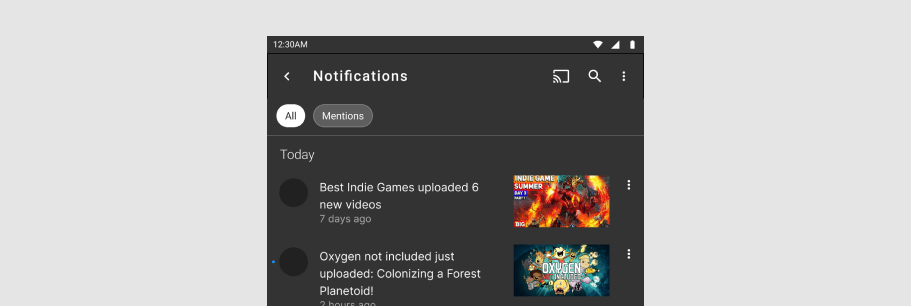
The virtual scroller displays just enough records to fill the viewport and uses the existing component, rehydrating it with new data.
API
| Component | Description |
|---|---|
| v-virtual-scroll | Primary Component |
Anatomy
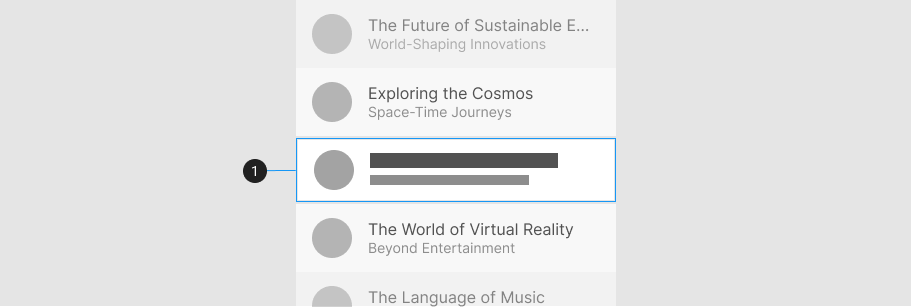
The v-virtual-scroll component contains only a default slot with no styling options. It is typically used with large collections of v-list-items.
| Element / Area | Description |
|---|---|
| 1. Container | The rendered content area from the provided items prop |
Guide
The v-virtual-scroll allows you to display thousands of records on a single page without the performance hit of actually showing all of them at once. v-virtual-scroll is devoid of styling and pairs well with components such as v-card to provide a better visual experience.
Props
The v-virtual-scroll component has a small API mainly used to configure the root and item height.
Height
The v-virtual-scroll component does not have any initial height set on itself.
The following code snippet uses the height prop:
Another way of making sure that the component has height is to place it inside an element with display: flex.
Item Height
For lists where the item height is static and uniform for all items, it's recommended that you define a specific item-height. This value is used for v-virtual-scroll's calculations.
If your items are not of a uniform size, omit the item-height prop to have v-virtual-scroll dynamically calculate each item.
Examples
The following is a collection of v-virtual-scroll examples that demonstrate how different the properties work in an application.
User Directory
The v-virtual-scroll component can render an large amount of items by rendering only what it needs to fill the scroller’s viewport.